

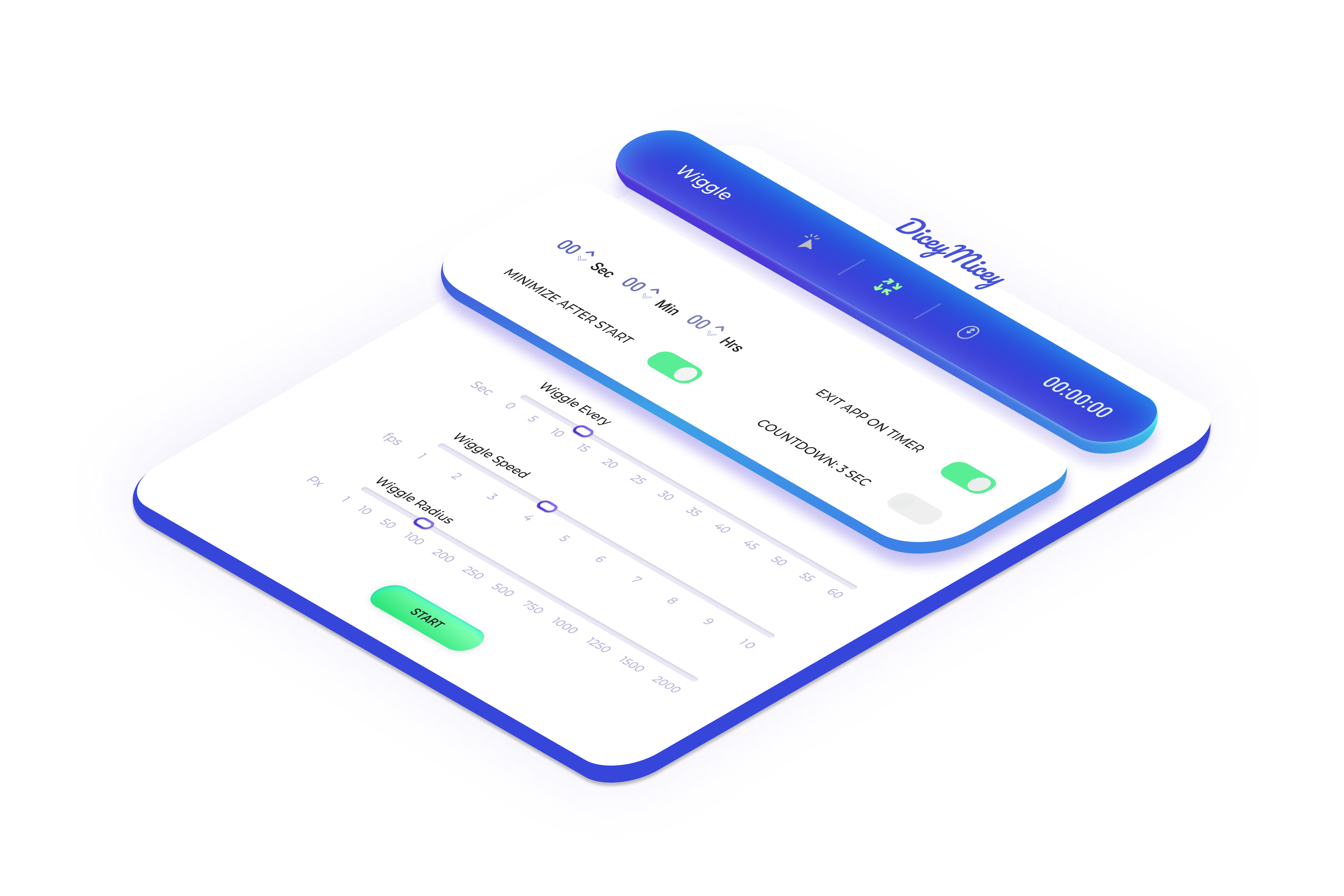
Be the Boss of Your Time, While We Keep Your Online Status in Prime.
Effortless Engagement: Your Computer Stays Active, You Stay Focused.
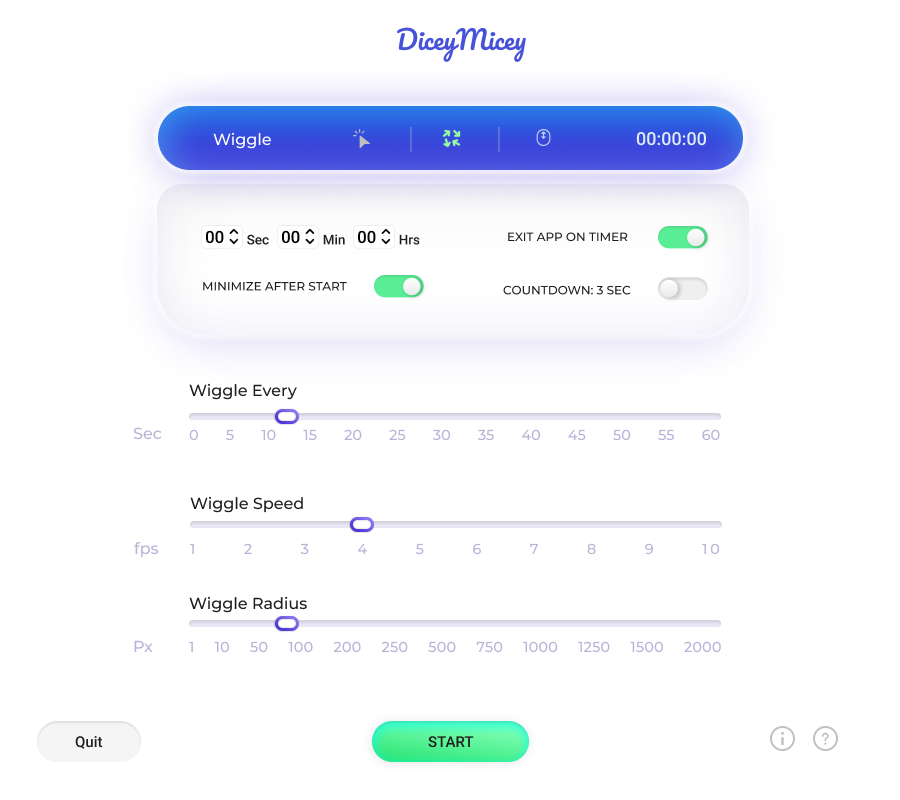
In today's world, staying engaged digitally shouldn't complicate your life. Our ingenious solution subtly manages your mouse actions, ensuring your computer remains active and your status vibrant. This tool seamlessly integrates and adapts to your preferences, letting you concentrate on what truly counts.
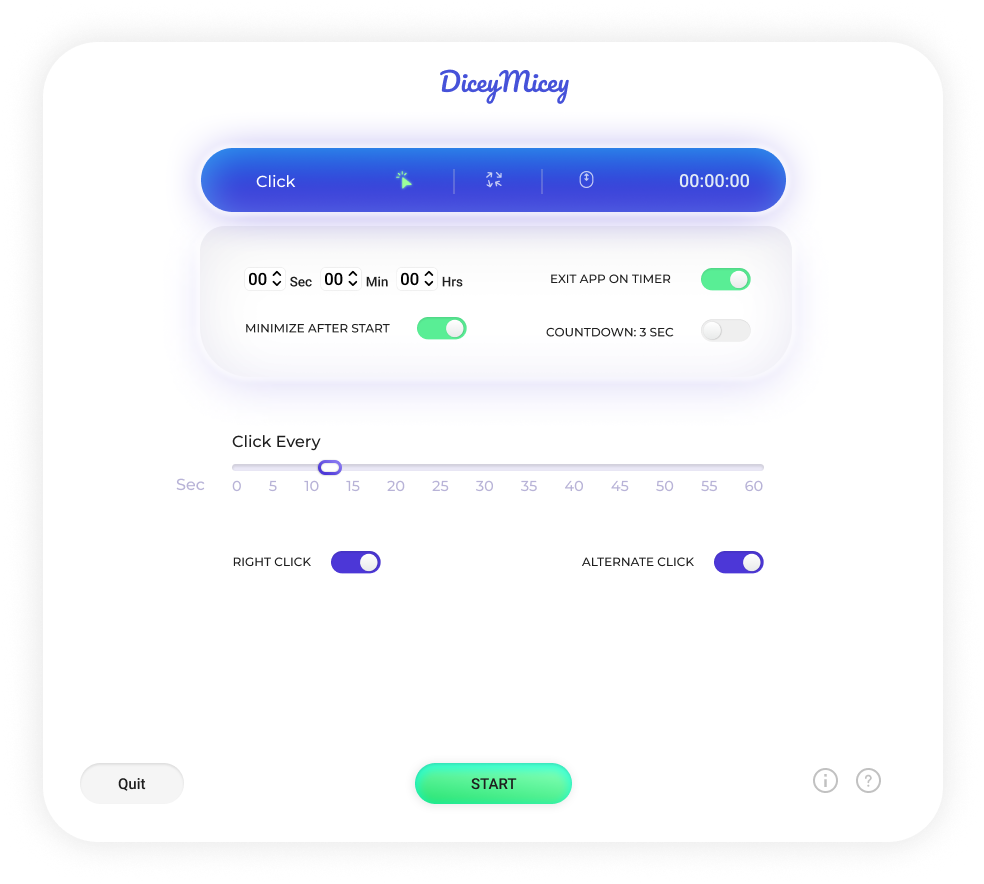
Intelligent Clicks: Enhance Control, Simplify Your Experience
Navigating through tasks shouldn't be a series of constant clicks. Our smart click feature streamlines your actions, making each click purposeful and efficient. With this functionality, your interactions become more precise, saving you time and energy. Say goodbye to unnecessary clicks and welcome a smoother digital journey where every action counts.
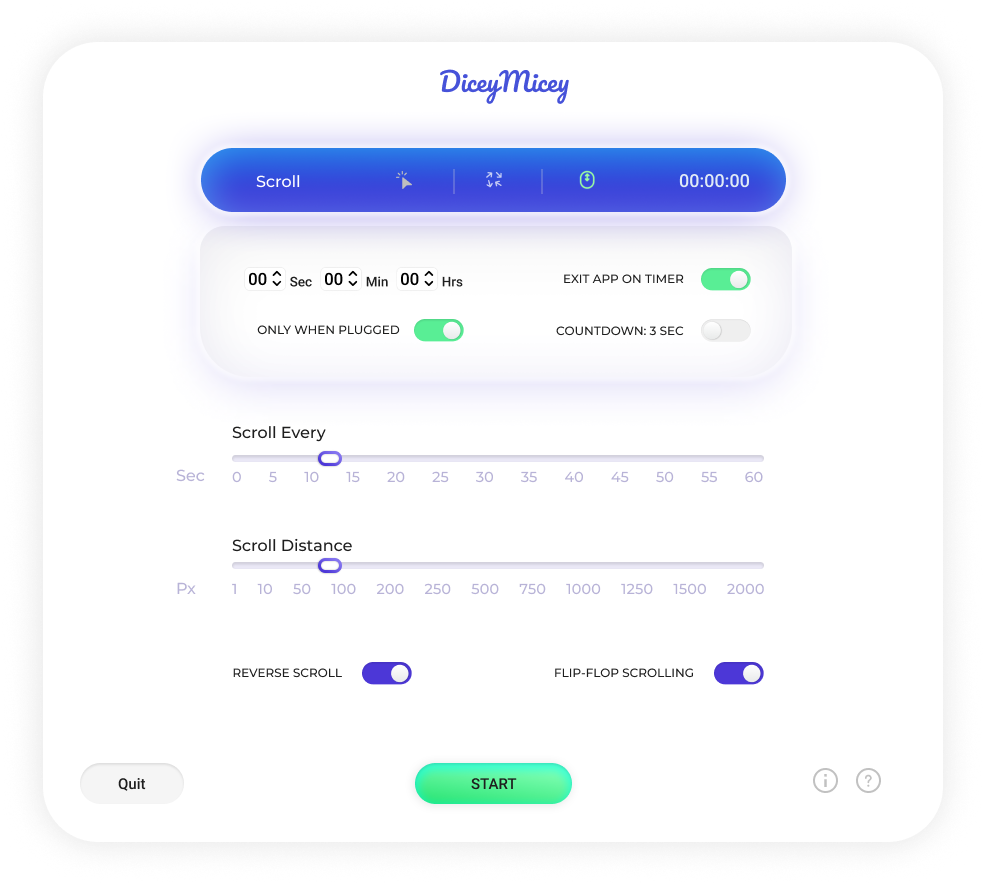
Effortless Scrolls: Navigate Your Digital World with Ease.
Scrolling through endless pages can be a chore. Our effortless scroll feature transforms your experience, making navigation a breeze. With this tool, you can effortlessly explore content and information, gliding through pages smoothly. Say goodbye to clunky scrolling and embrace a more intuitive way to traverse the digital landscape.
Small actions, big impact – that's the essence of our app ✳︎
“
Sam Galvin
Software Engineer

"This app is a game-changer for remote work. I used to stress about stepping away from my computer, even for a short break. Now, I can take time for myself without worrying about my online status."
If you've got questions, we've got the answers.
To start DiceyMicey, simply click the “Start” button within the app. To stop it, you have two options:
- Click the “Quit” button within the app.
- Press any key on your keyboard while making sure the DiceyMicey app window is active and on top.
DiceyMicey is a desktop application designed to prevent your computer from going into sleep mode or triggering screensavers by simulating mouse movements or clicks. It offers various options like wiggling the mouse pointer, clicking, and scrolling. It also comes with a timer feature to stop the activity after a specified period.
Currently we don’t offer a Windows version.
Yes, DiceyMicey is designed to be non-intrusive and safe to use. It runs in the background and only simulates basic mouse actions, so it should not interfere with other applications you are running. Additionally, you can set a timer to automatically stop the mouse actions after a certain period, giving you full control over its operation.
Have a question?